
How to correctly identify all duplicates in your CRM
This guide explains how to identify CRM duplicates by using reliable fields, applying match options like exact or fuzzy, testing logic to avoid errors, and.
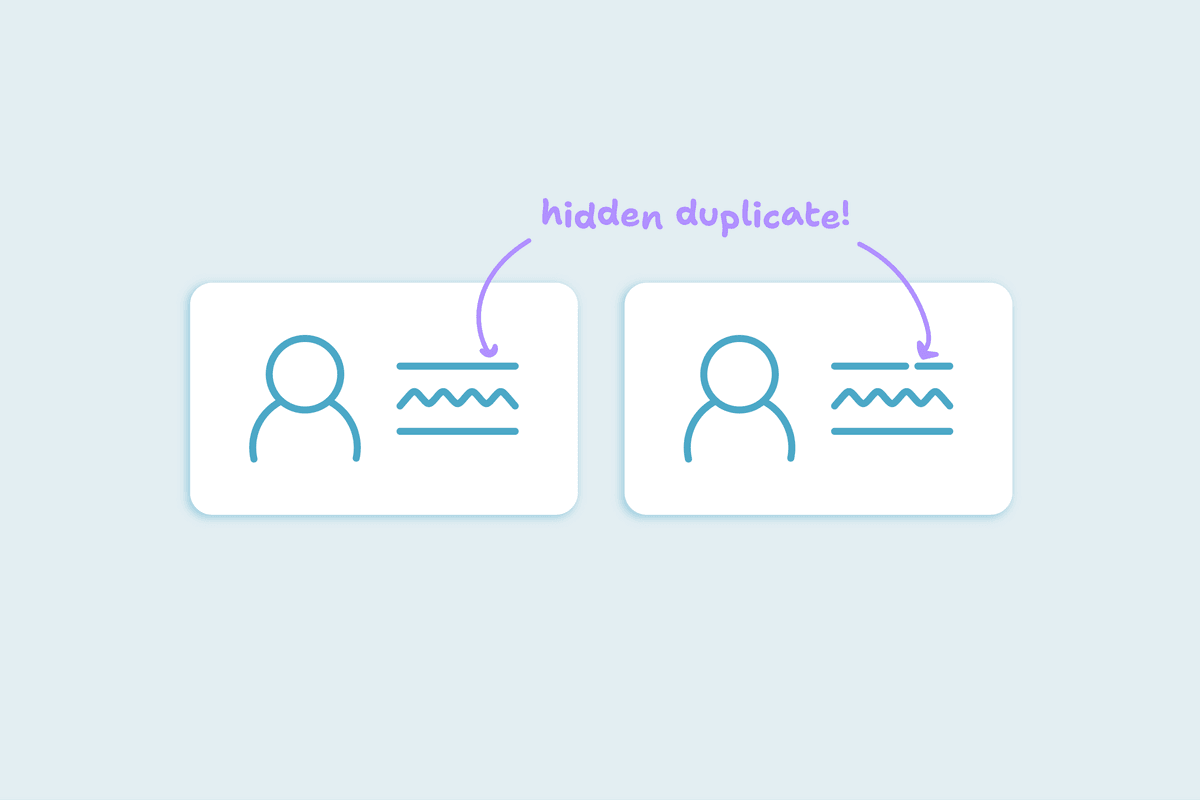



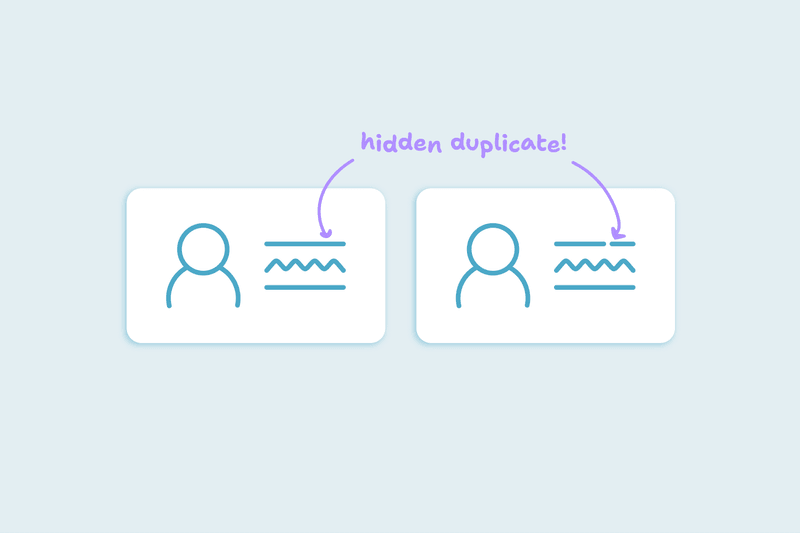
Most CRM users think duplicates are easy to spot: same email, same phone, same company name. But duplicates rarely show up that cleanly; they usually hide behind spelling variations, formatting differences, and missing fields - and if you don’t catch them correctly at the matching stage, every merge that follows is risky.
This guide shows you how to identify duplicates with confidence. You’ll learn the difference between obvious and hidden duplicates, which fields are most reliable, how match options work, and how to test your setup before automating.
What’s the difference between obvious and hidden duplicates?
- Obvious duplicates are straightforward: two records with the same email address, phone number, or domain. They can be matched safely and merged without hesitation.
- Hidden duplicates are trickier:
- “Chris Johnson” vs “Christopher Johnson”
- “Brightline Technologies” vs “Bright Line Tech”
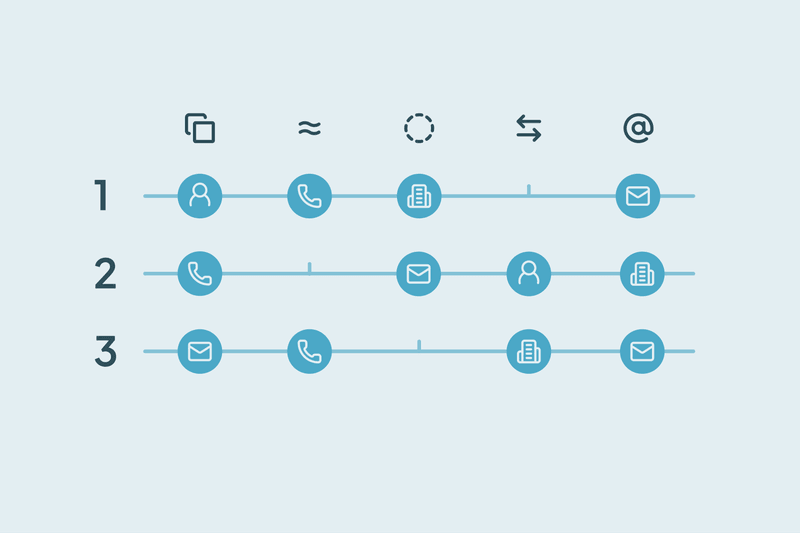
- One record has a work email, another has a mobile number, both belong to the same person
Obvious duplicates are rare. Hidden duplicates are where most of the cleanup effort lives, and where matching logic matters most.
Which fields are most reliable for finding duplicates?
Even though some fields are strong identifiers, we recommend using at least two fields combined.
- Strong when paired:
- First Name + Last name + Email
- Company name + Address + Zip Code
- First Name + Last Name + Phone
- Unreliable fields:
- Job title
- Notes
- Free-text fields
What match options are safest to start with?
In Dedupely, you choose match options for each field you rely on, so you can decide what a duplicate is. Available match options include:
- Exact match: Fields must match exactly
- Similar match: Catches small differences in spelling.
- Fuzzy match: Detects close variations, like “Chris” vs “Christopher.”
- Similar Words (Any Order) match: Finds matches where words are rearranged (e.g., “Brightline Technologies” vs “Technologies Brightline”).
- Domain Rootmatch: Strips subdomains to match on the core domain (e.g., “mail.greenfield.io” vs “greenfield.io”).
Best practice:
- Start with Exact match on First Name + Last Name + Email
- Add Similar/Fuzzy for names and company names once you’ve tested accuracy.
- Use Domain Root for companies to catch format differences.
You can save these in Search Pads that you can reuse. That way, you don’t rebuild logic each time.
How do I test my match setup to avoid false positives or negatives?
Matching logic needs testing before you can trust it at scale. Here’s a simple loop:
- Run a scan with your chosen match options.
- Review 5-10 matched pairs manually.
- Mark which are true duplicates and which are false matches.
- If false matches appear, tighten thresholds or add supporting fields.
- Re-run the scan until results are consistently accurate.
- Once confident, save the logic as a Search Pad for repeat use.
Testing prevents two common risks: merging different people by mistake (false positives) and missing duplicates entirely (false negatives).
Good matches are the foundation of safe merges
Deduplication starts with matching and without strong match logic, merges are either unsafe or incomplete.
When you use reliable fields, apply the right match options, and test your setup, you can surface true duplicates consistently. Search Pads then let you repeat the process without starting from scratch.
Contact us
We’d be happy to help you get this set up.
Write us a message
We probably know the answer to your question already
Book a Zoom
Whether you’re getting started or getting intense.
Get in touch!
Discover Related Blog Posts
Stay updated with our latest articles and insights.

Get started for free
20 free trial merges and as much free support as you need to get your duplicates under control.

 Or sign up with Google

H Chitty
HubSpot User
 HubSpot Marketplace
Alina T
Sales Operations Specialist, FieldBee
R McNaught
HubSpot User
HubSpot Marketplace 
John K
Head of Marketing, David J Anderson School of Management
 Pipedrive user
Samo J
Founder & CSO, TapHome
Pipedrive user 
M Weppner
Yuliya
Pipedrive User
Pipedrive Marketplace D Wright
HubSpot User
HubSpot Marketplace Shawnee K
Salesforce User
 Salesforce AppExchange
 DiBlasio S
HubSpot User
HubSpot Marketplace Laura R
Salesforce User
Salesforce AppExchange Emily K
Mercy Housing
HubSpot user Paweł S
Pipedrive User
Pipedrive Marketplace Grattan H
Pipedrive User
Pipedrive Marketplace 
Scott B
VP Platform Ecosystem, HubSpot
Burchard J
HubSpot User
HubSpot Marketplace 
Sean B
Managing Director, Legal CPD
Isaac J
Salesforce User
Salesforce AppExchange Larry D
Pipedrive User
Pipedrive Marketplace Andy G
Pipedrive User
Pipedrive Marketplace 
Simon W
Tillhub

Allan R
Co-founder & Managing Director, Target3D

Marco S
Information Systems Manager, Efecte

A Team
HubSpot User
HubSpot Marketplace J Eddie
HubSpot User
HubSpot Marketplace A Grogan-Crane
HubSpot User
HubSpot Marketplace Wasmer D
HubSpot User
HubSpot Marketplace 








